Gaming Video Editing Styles
Explore 9 gaming video editing style presets in AI Producer. Preview each look and recreate it on your own footage.
 0:12
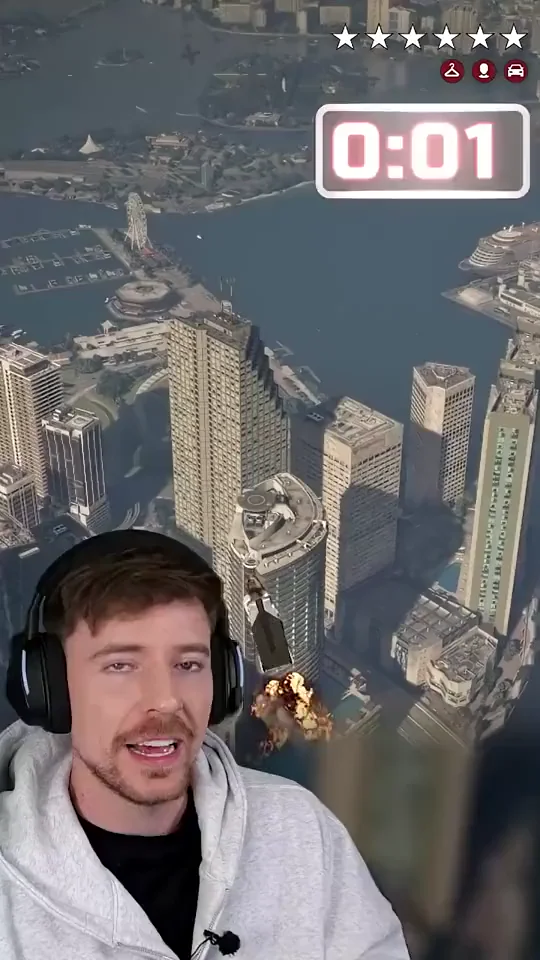
Cutout Challenge Run
full-screen open-world gameplay with the players cut out of their room and overlaid low in the frame; a pink glass challenge timer top-center beside wanted stars; a red full-screen end card
 0:12
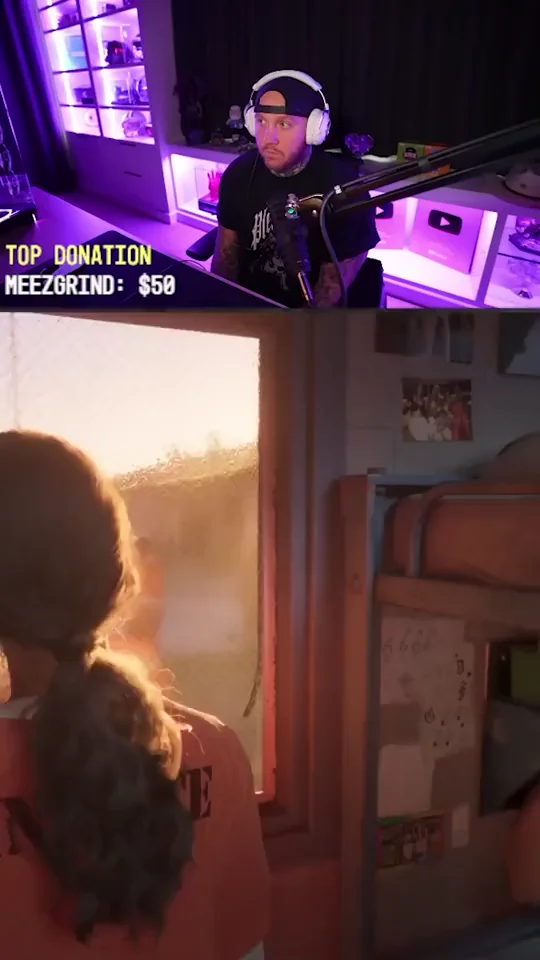
Stream Split Third
facecam in the top third over cropped gameplay in the bottom two thirds; big white outlined one-to-three-word captions on the seam; a stream donation bar kept in the corner
 0:12
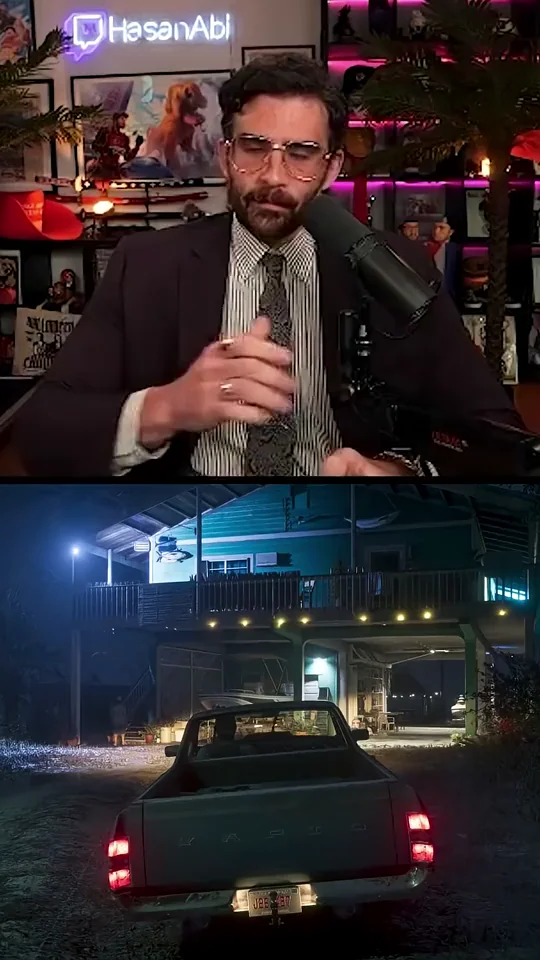
Half Split Reactions
facecam in the top half and gameplay in the bottom half; white caps captions on the seam; cut-ins to a full-screen face and stream goal cards
 0:12
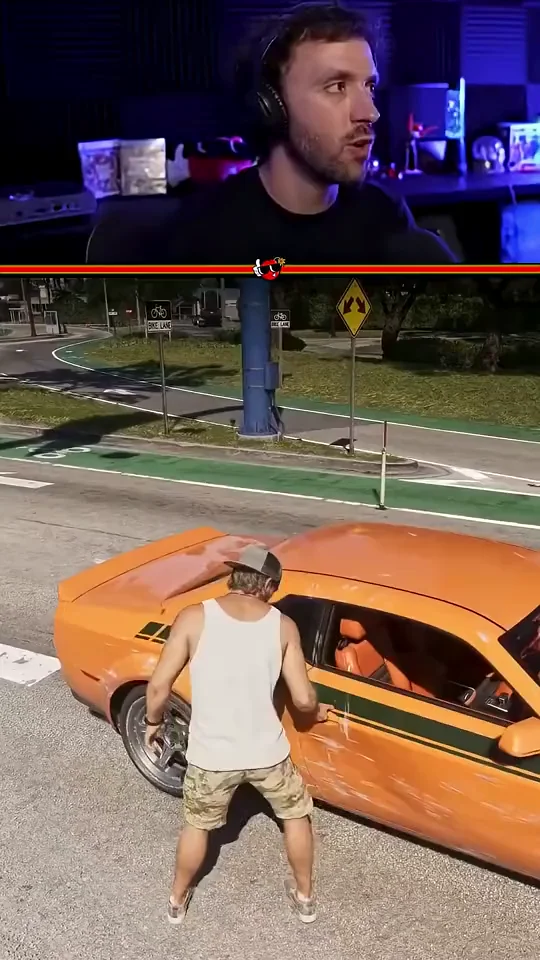
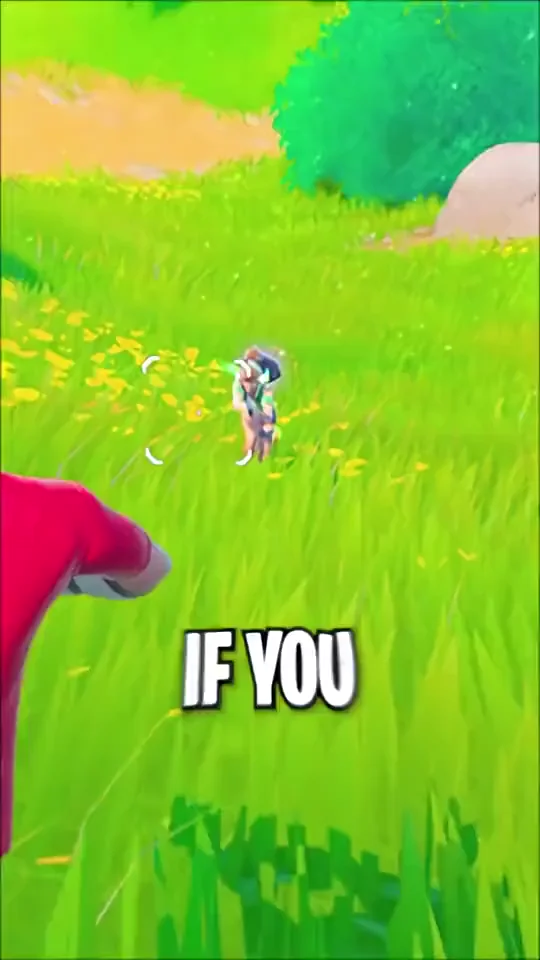
Thin Cam Strip
a thin facecam strip on top above a red divider line; gameplay fills the lower three quarters; white sentence captions at the top of the gameplay
 0:12
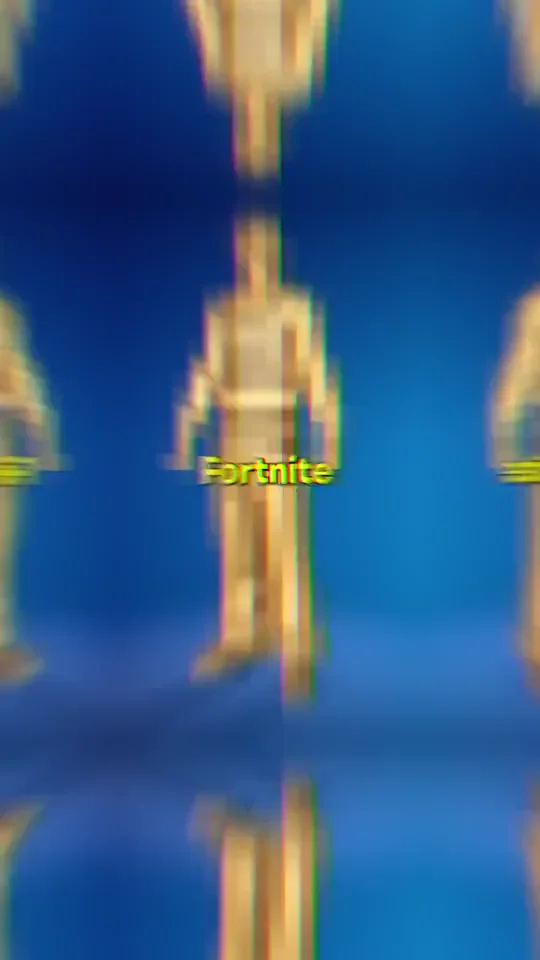
Layout Switch Getaway
opens on full-screen gameplay with giant white caps words, switches to a facecam-over-gameplay split with word-by-word captions, ends on a full-screen face
 0:12
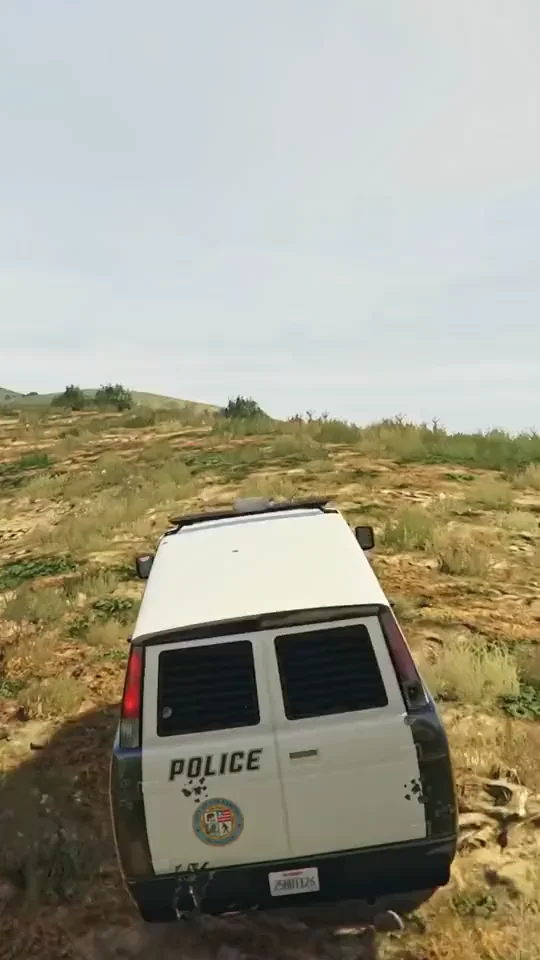
Narrated Gameplay Tips
faceless full-screen gameplay under a voiceover; centered word-by-word white captions with green and yellow keywords; cartoon meme cutaways
 0:12
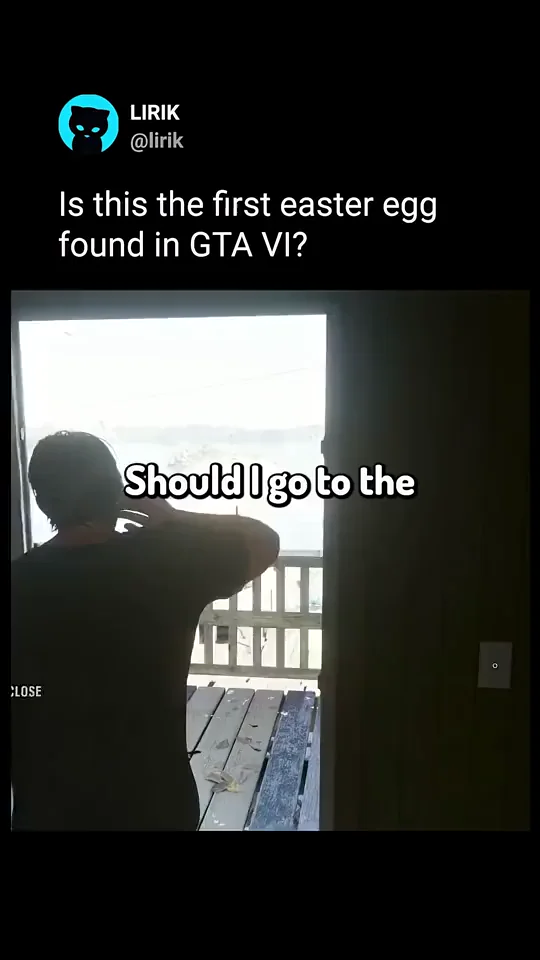
Game UI Countdown
faceless gameplay countdown; a title card, pink numbered pills, purple game-UI cards such as wanted stars, a phone call and character cards; pink keyword captions
 0:12
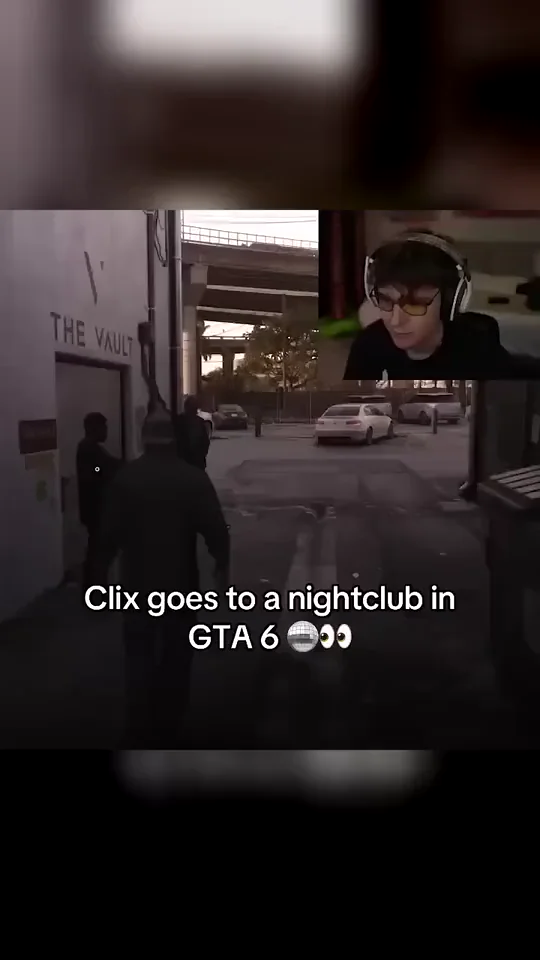
Tweet Card Clip
a black frame with a tweet-style header of avatar, handle and one line above a gameplay card; white captions inside the picture
 0:12
Corner Cam Clip
full-screen gameplay with a small square facecam in the top-right corner; one centered white title line with an emoji held low in the frame for the whole clip