To install the OpusClip AI Producer plugin, read and follow the instructions at https://producer.opus.pro/docs/plugins
Keep creating.
In ChatGPT.
Install AI Producer in ChatGPT and chat your way to a finished video.
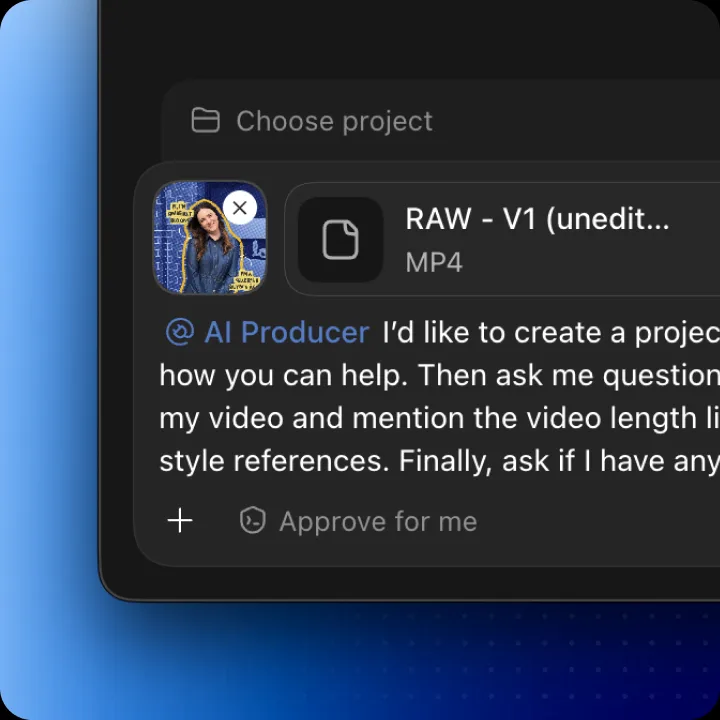
Get Started with
AI Producer ChatGPT Plugin
Use ChatGPT credits to access the full capabilities of AI Producer - motion graphics, b-roll and full edit
- Download ChatGPT Desktop appDownload ChatGPT
- Install AI Producer plugin to ChatGPTInstall AI Producer plugin
- Start creating with AI Producer
How AI Producer Plugin works
Codex
You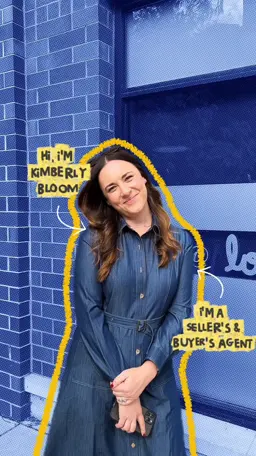 raw footage.mp4Edit this video using AI producer plugin. Add motion graphics, b-roll to match my video. Use the image as style reference.
raw footage.mp4Edit this video using AI producer plugin. Add motion graphics, b-roll to match my video. Use the image as style reference.How a beauty brand cut ad costs


Works best with GPT-6 Astra
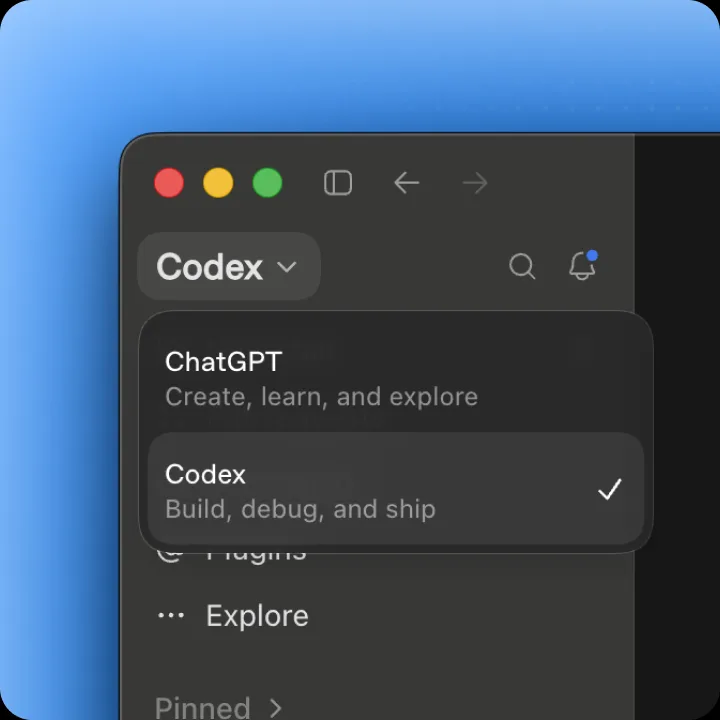
1.Open ChatGPT desktop and switch to codex
2.Create a new chat, use AI Producer plugin to edit
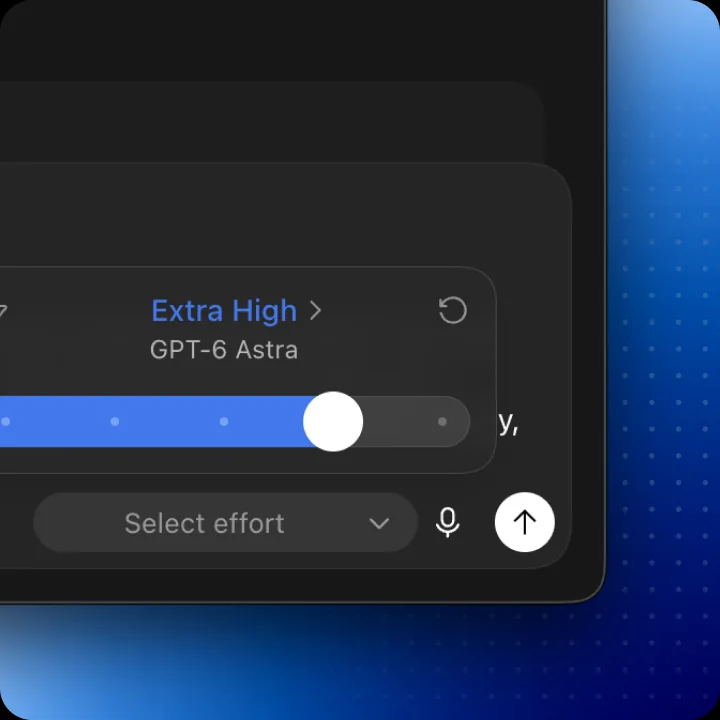
3.AI Producer works best with GPT-6 Astra!
Got questions? Everything you need to know
It brings OpusClip AI Producer into your coding agent. Describe the video you want in ChatGPT, and it plans the cut, then builds captions, b-roll, and motion graphics into a draft you can keep refining.